

Lever Integration
Quick start guide
Follow these simple steps to get started with Lever
Step 1
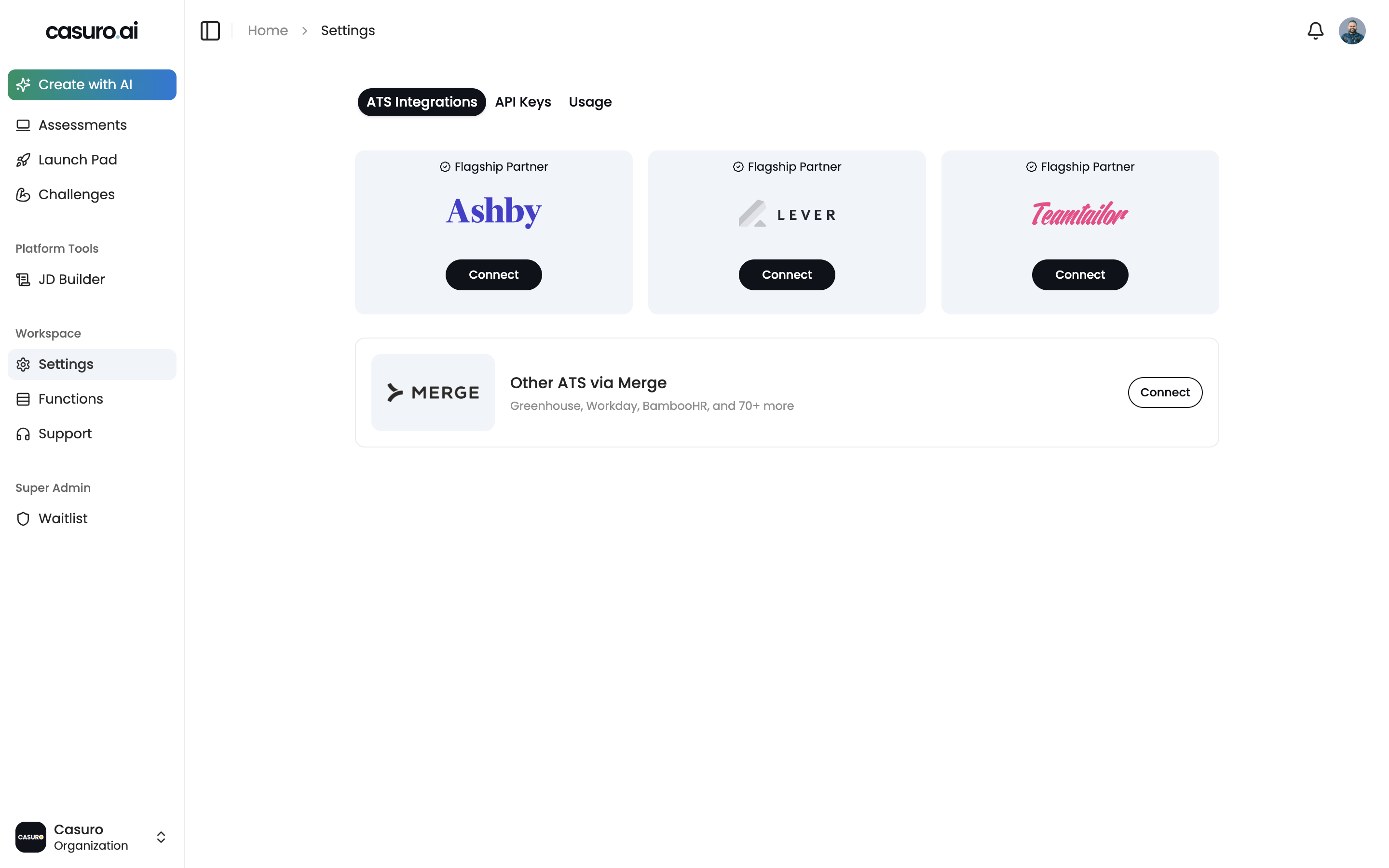
Enable in casuro.ai
Login to casuro.ai and open settings. Under the integrations tab, click on add integration and select Lever. This will take you to lever login page.
Step 2
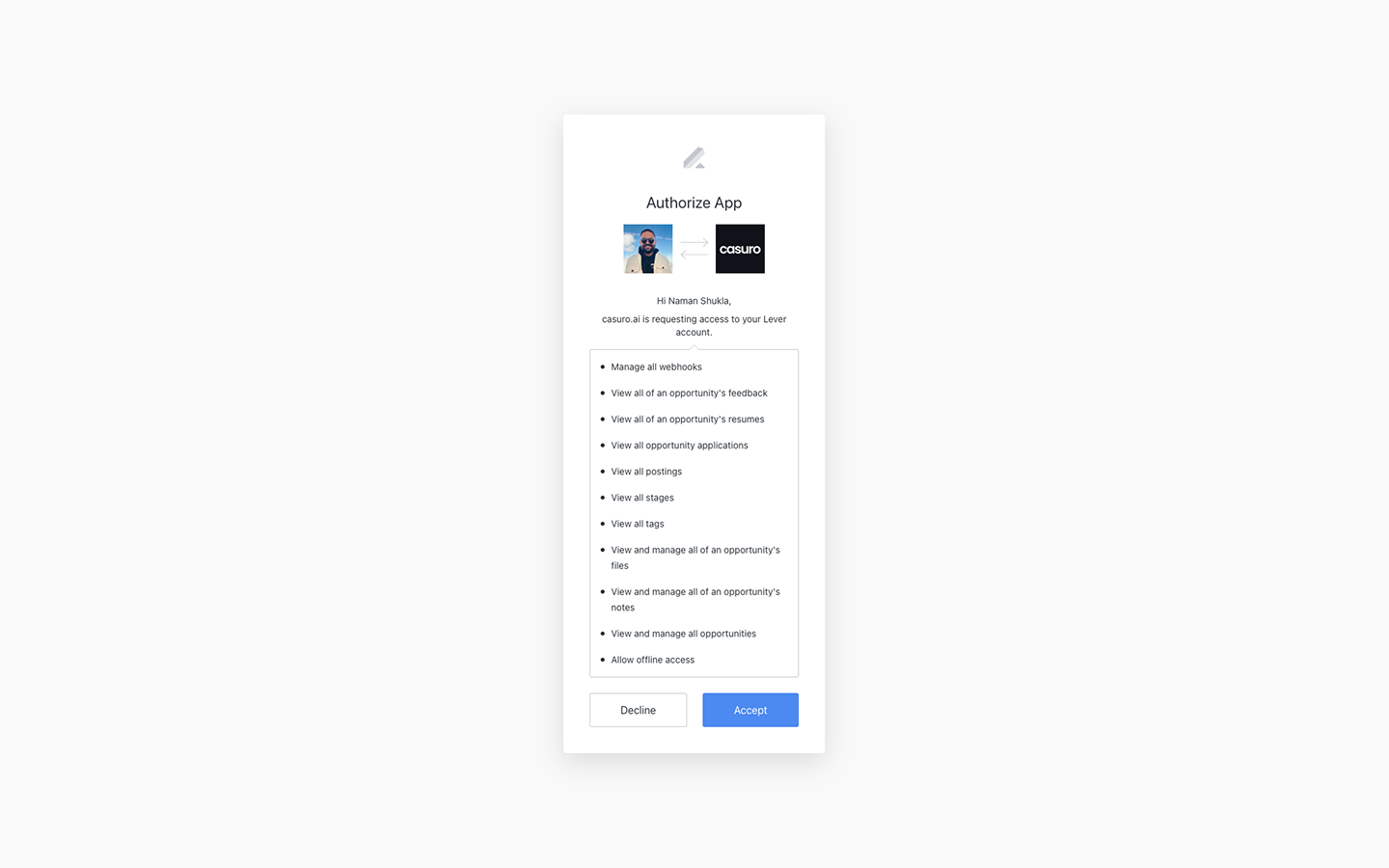
Login to lever
Login to lever with your login credentials. You will be asked to grant access to casuro.ai.

Step 3
Turn on Lever webhooks
Turn on Lever webhooks by going to settings -> integrations -> webhooks. Make sure to have candidate stage change webhook enabled .

Step 4
You are all set 🎉
You can now use casuro.ai assessments and see them pop up in Lever.
Ready to get started?
Connect Ashby with Casuro today and transform your hiring process.